
Chrome Extension
The OpinionDeck Chrome Extension brings the platform directly into your browser. You can capture Reddit threads, run competitor discovery searches, and save leads to Research Decks without switching to the dashboard.
Installation
- Search for OpinionDeck on the Chrome Web Store
- Click Add to Chrome
- Click the OpinionDeck icon in your extensions bar to pin it
On first launch, you’ll be prompted to sign in with your OpinionDeck account.
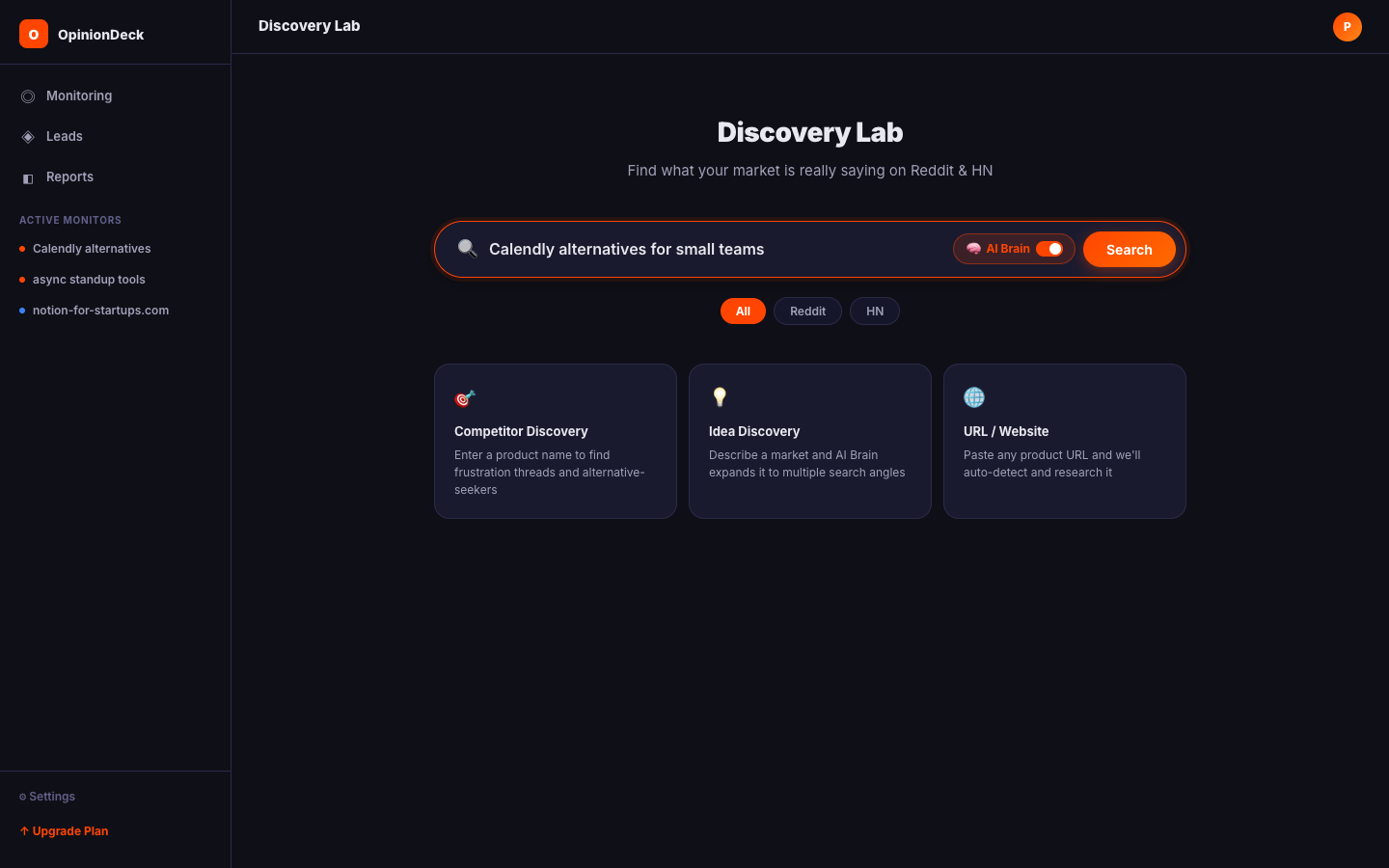
Thread extraction
When you’re on a Reddit thread page, the extension can capture the full post and comment tree directly from the browser.
Shallow extraction
Captures the post body and the top-level comments visible on the page. Fast — typically completes in 1–2 seconds.
Use when: You want a quick overview of the discussion without downloading the full thread.
Deep extraction
Recursively expands all “load more comments” sections and captures the entire discussion tree. More thorough — may take 10–30 seconds on large threads.
Use when: You want the AI analysis engine to have maximum context. Recommended for threads with 100+ comments.
How it works:
- The extension calls the Reddit JSON API for the thread
- It traverses
MoreCommentsnodes and fetches children in batches - Comments are flattened into a tree structure that preserves parent-child relationships
- The full payload is sent to OpinionDeck’s backend (or uploaded to storage if the payload is large)
Saving threads to a Deck
While viewing any Reddit thread:
- Click the OpinionDeck extension icon
- Select the target Research Deck from the dropdown
- Click Save Thread
The thread is saved immediately. Analysis is queued automatically and results will appear in your Deck’s Pain Map within a minute.
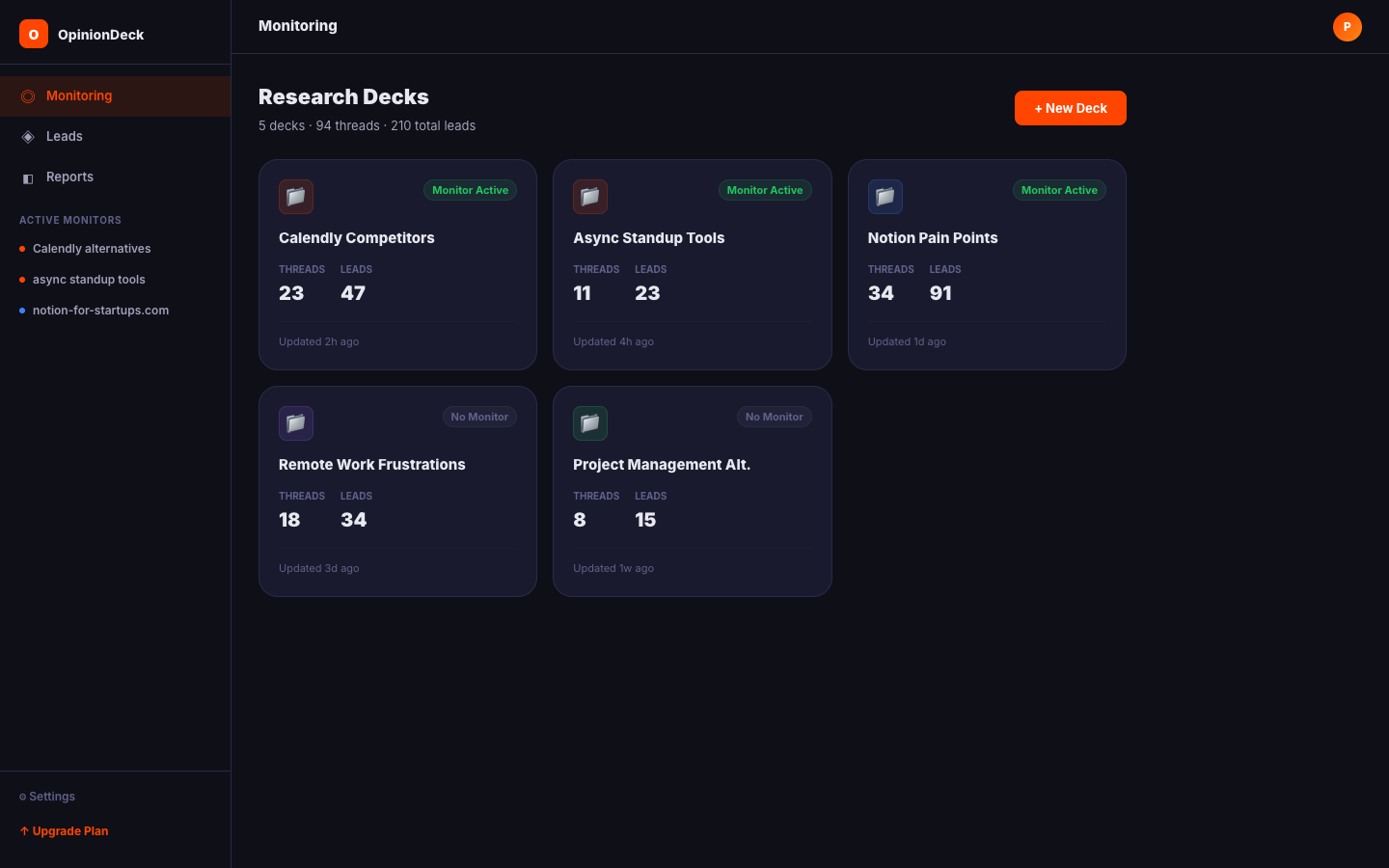
Competitor Discovery panel
The extension includes a Discovery panel for running phased competitor research directly from the browser.
How phased discovery works
The discovery runs in three sequential phases:
| Phase | Queries searched |
|---|---|
| Phase 1 — Frustration | [competitor] frustrated, [competitor] sucks, [competitor] problems, [competitor] billing, [competitor] support |
| Phase 2 — Alternatives | [competitor] alternative, [competitor] vs, [competitor] comparison, [competitor] switch from |
| Phase 3 — Reviews | [competitor] review, [competitor] honest opinion, [competitor] experience |
Each phase runs its queries and scores results using:
- Subreddit quality — Known high-quality communities score higher
- Intent keyword matches — Frustration and alternative-seeking language
- Title prominence — Keywords in the title score higher than body mentions
- Engagement — Comment count and upvote score
- Freshness — Newer posts get a bonus score
- Noise filtering — Off-topic subreddits (e.g.
r/tifu,r/AmItheAsshole) are filtered out automatically
Running a discovery search
- Open the extension panel
- Enter the competitor name in the search field
- Click Search
- Watch progress as Phase 1 → 2 → 3 complete
- Select results to save to a Deck
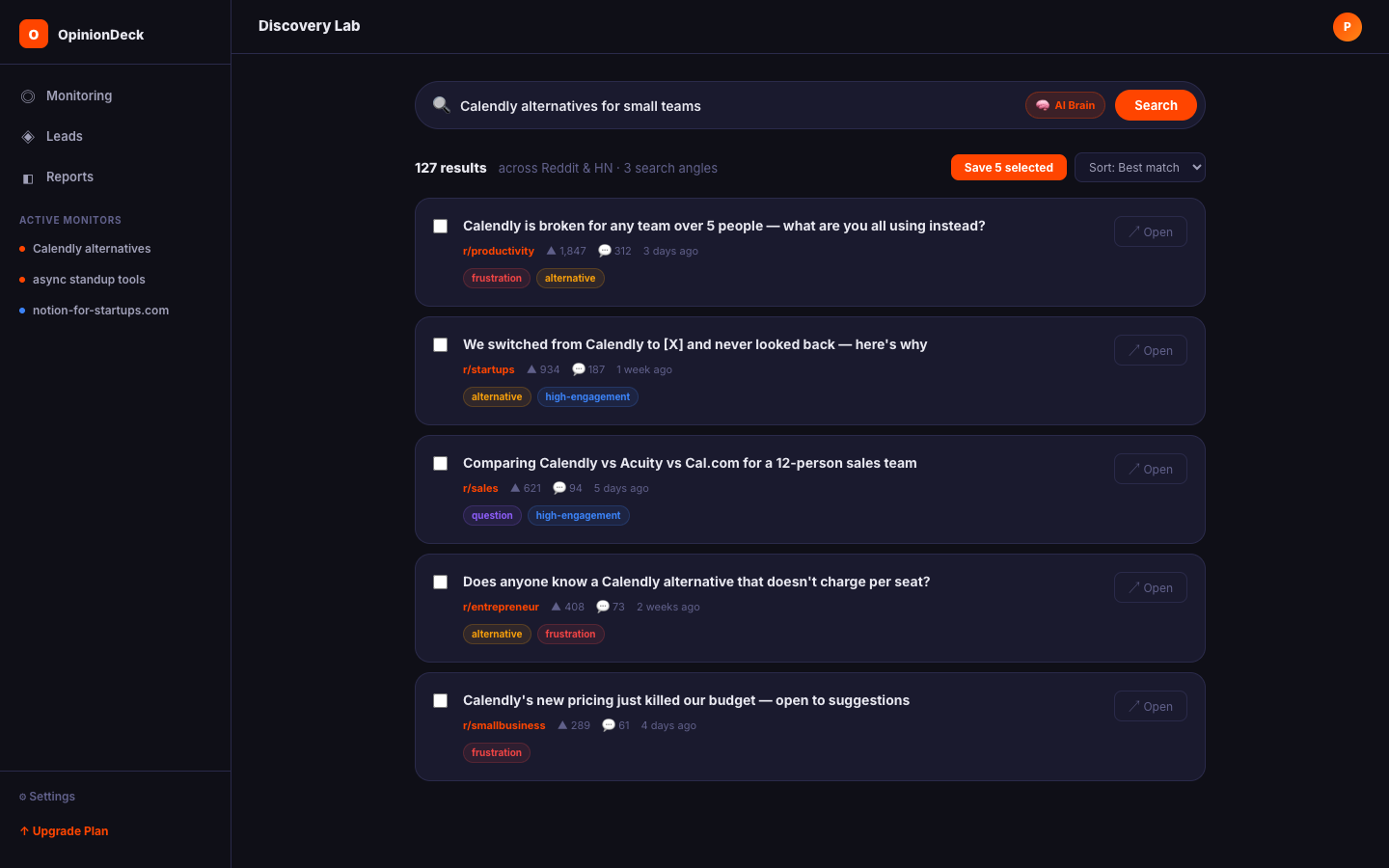
Authentication
The extension uses the same Firebase Auth session as the main app. If you’re already signed in to app.opiniondeck.com in Chrome, the extension will detect your session automatically.
To sign in manually: click the extension icon → click Sign In → complete sign-in in the browser tab that opens.
Limitations
- The extension only works on Reddit (
reddit.com) and Hacker News (news.ycombinator.com) - Deep extraction requires Reddit to be accessible (not behind a VPN that blocks Reddit)
- Large threads (5,000+ comments) are chunked and uploaded asynchronously — the save button will confirm once the upload is complete
- The extension requires Chrome or a Chromium-based browser (Edge, Brave, Arc). Firefox is not supported.
Troubleshooting
| Issue | Solution |
|---|---|
| Extension not loading | Check chrome://extensions — ensure the extension is enabled and not in error state |
| ”Not signed in” error | Click Sign In in the extension panel |
| Thread save fails silently | Check your saved thread limit (free plan: 5 threads) |
| Deep extraction times out | Reddit may be rate-limiting — wait 30 seconds and retry |
| Extension shows wrong user | Click the profile icon in the extension and Sign Out, then sign in again |