
Quick Start
This guide walks you from zero to your first insight in under 5 minutes.
Step 1 — Create an account
Go to app.opiniondeck.com and click Get Started.
Enter your email and a password. No invite code required — registration is open.
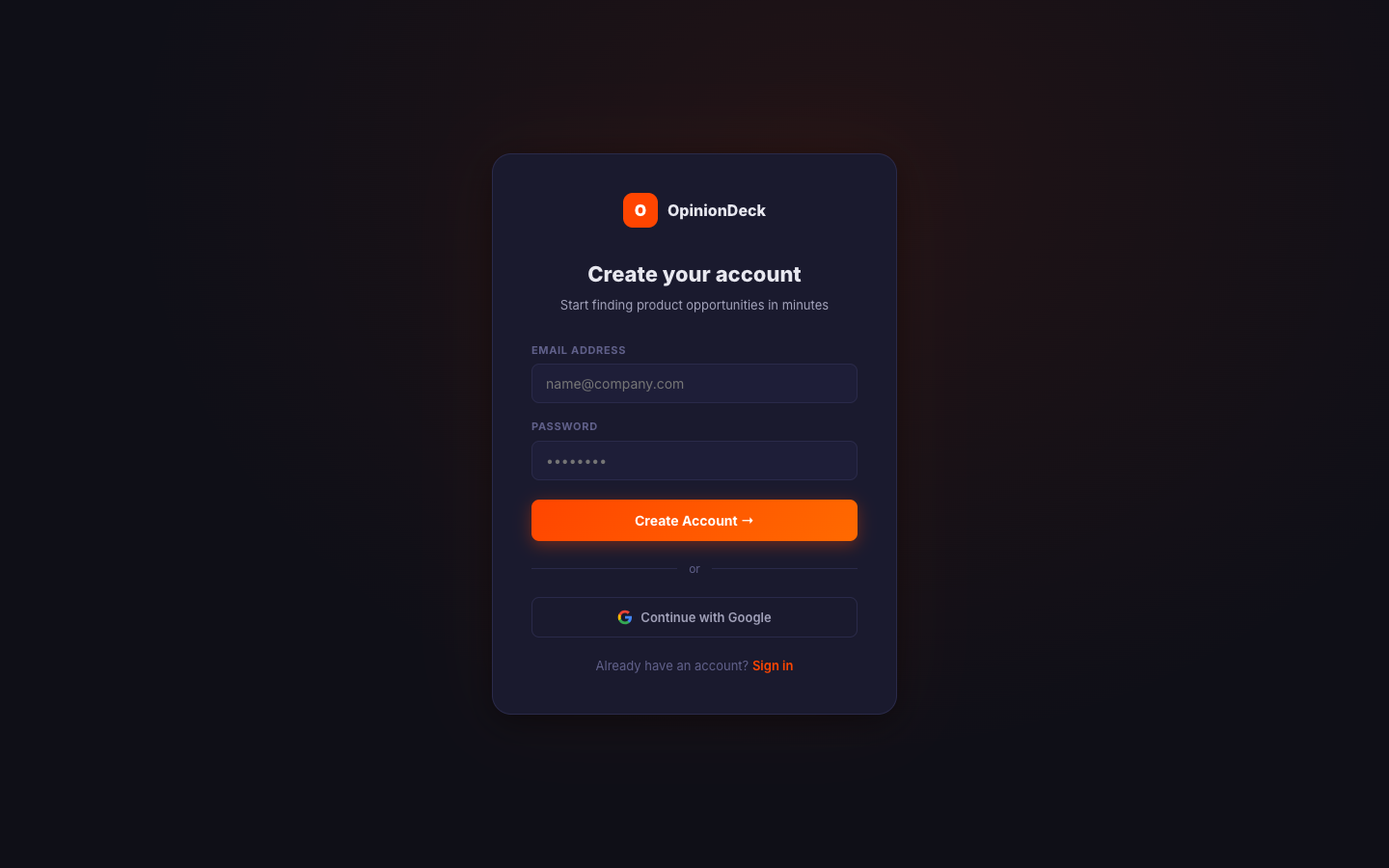
After registering you’ll be on the free plan with:
- 3 discovery searches per month
- 1 AI analysis report per month
- 5 saved threads
Upgrade at any time — visit Pricing → to compare plans.
Step 2 — Verify your email
Check your inbox for a verification email and click the link. OpinionDeck requires a verified email before you can access the app — you’ll be redirected to a verification screen until you confirm.
Step 3 — Run your first Discovery
From the dashboard, click the Discovery Lab tab in the left sidebar.
In the search box, type one of:
- A competitor name — e.g.
Notion - A product idea — e.g.
team wiki tool for remote teams - A market question — e.g.
why do people switch from Jira
Leave the platform filter set to All (Reddit + Hacker News) for the broadest results.
Click Search.
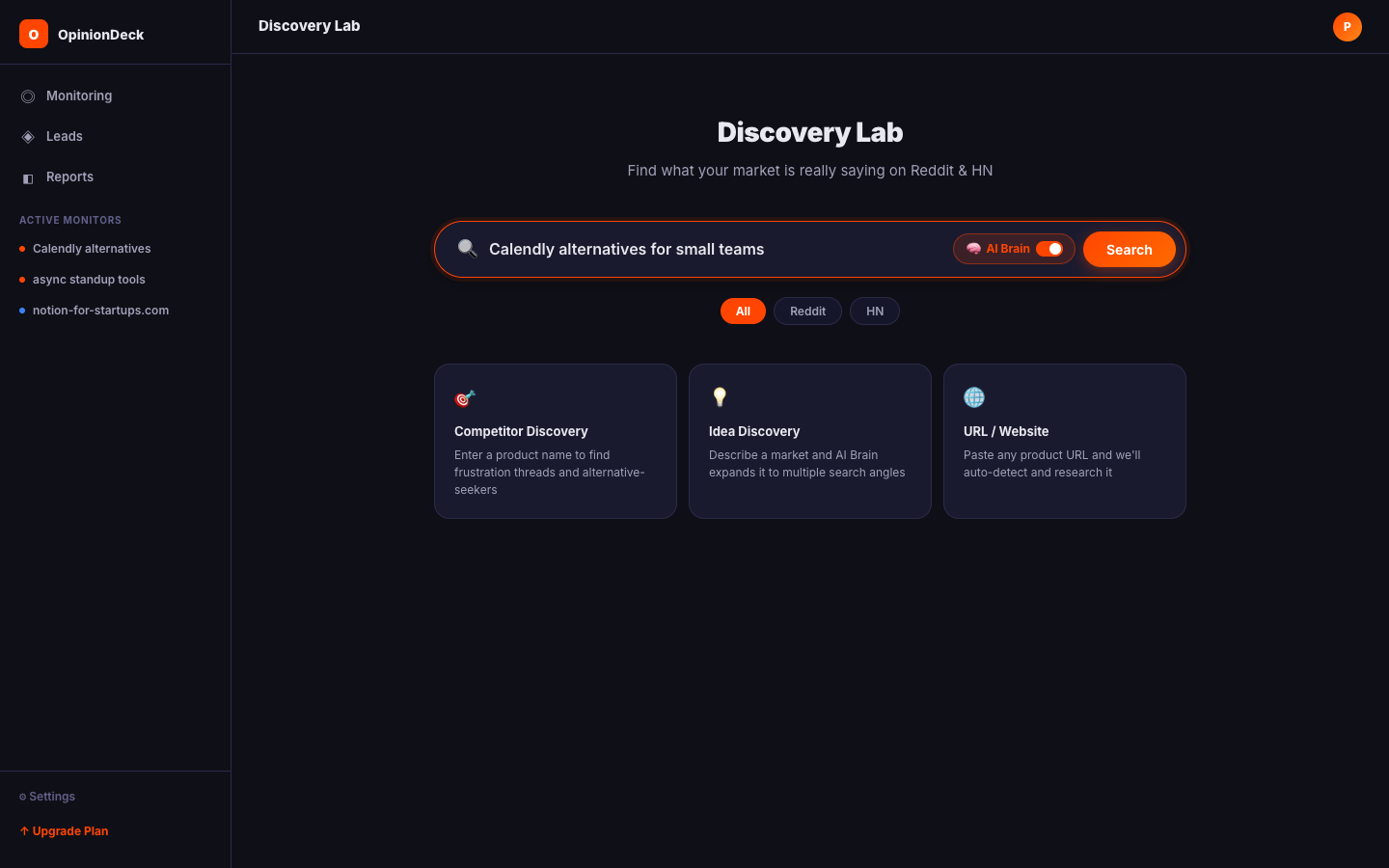
OpinionDeck will:
- Expand your query into multiple search angles
- Search Reddit and Hacker News in parallel
- Score each result by intent signals (frustration, alternatives, comparisons)
- Return a ranked list in seconds
Step 4 — Read your results
Each result card shows:
| Field | What it means |
|---|---|
| Title | Post title from Reddit or HN |
| Subreddit / Source | Where the post was found |
| Score | Reddit upvote count |
| Comments | Reply count |
| Intent tags | frustration, alternative, high-engagement, question |
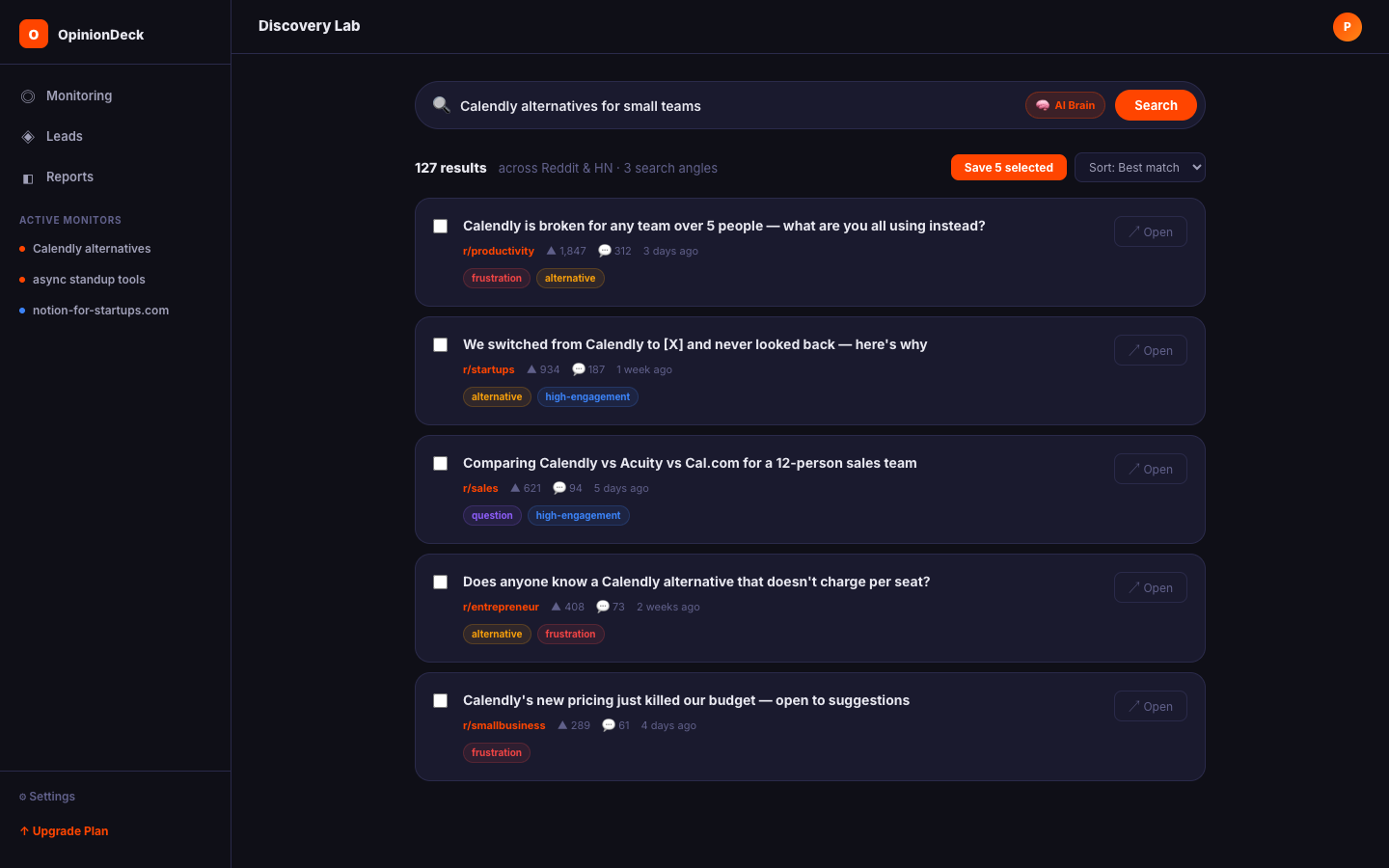
Posts tagged frustration or alternative are the highest-value leads — they signal users who are unhappy with the status quo and actively seeking a change.
Step 5 — Save results to a Research Deck
Check the box on results you want to keep, then click Save to Deck.
- A dialog will let you choose an existing Deck or create a new one on the spot — just type a name and click Create.
OpinionDeck will:
- Download the full thread (post + all comments)
- Queue an AI analysis to extract pain points, triggers, and outcomes
- Add the results to your Deck’s Inbox tab
Step 6 — View your insights
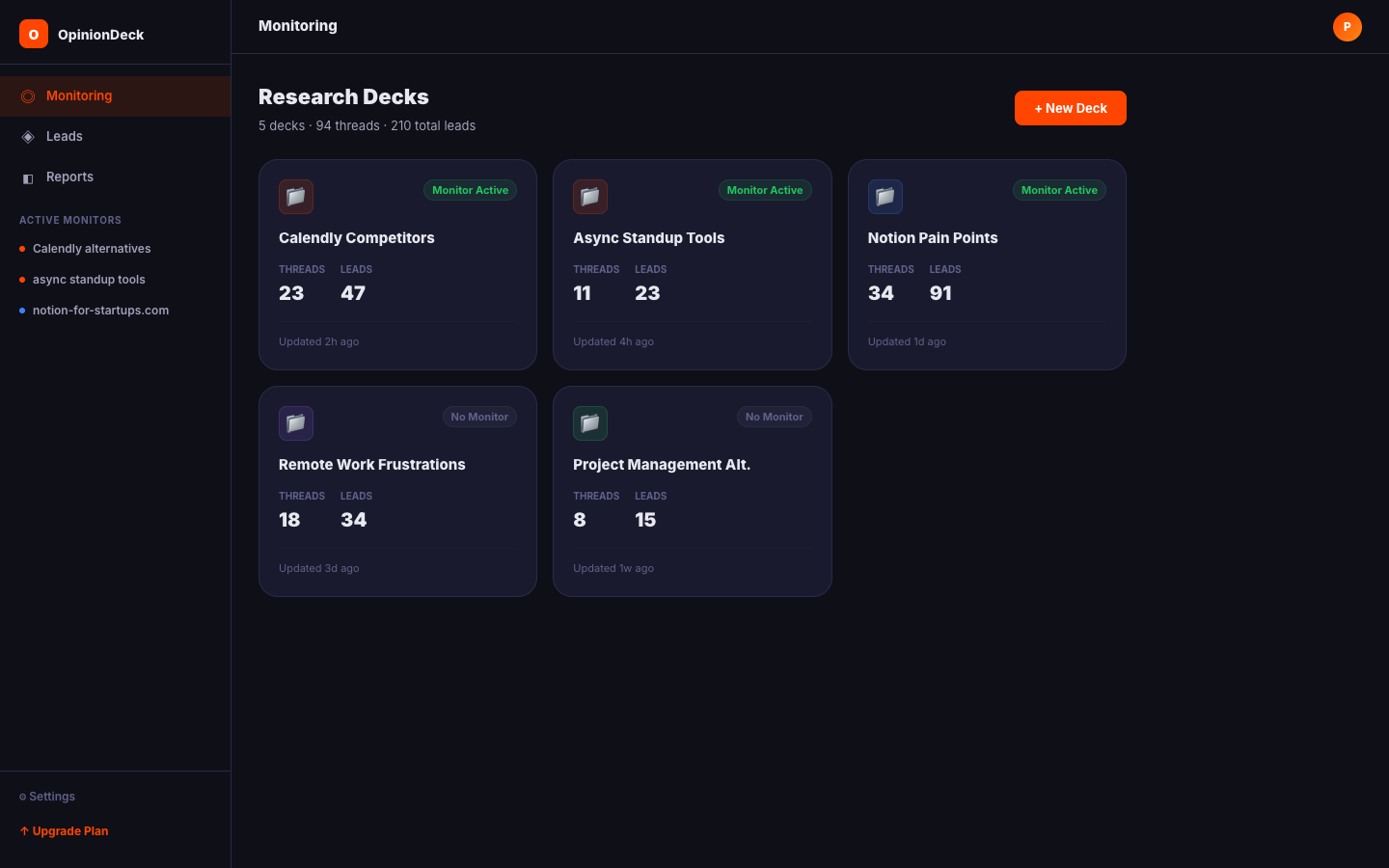
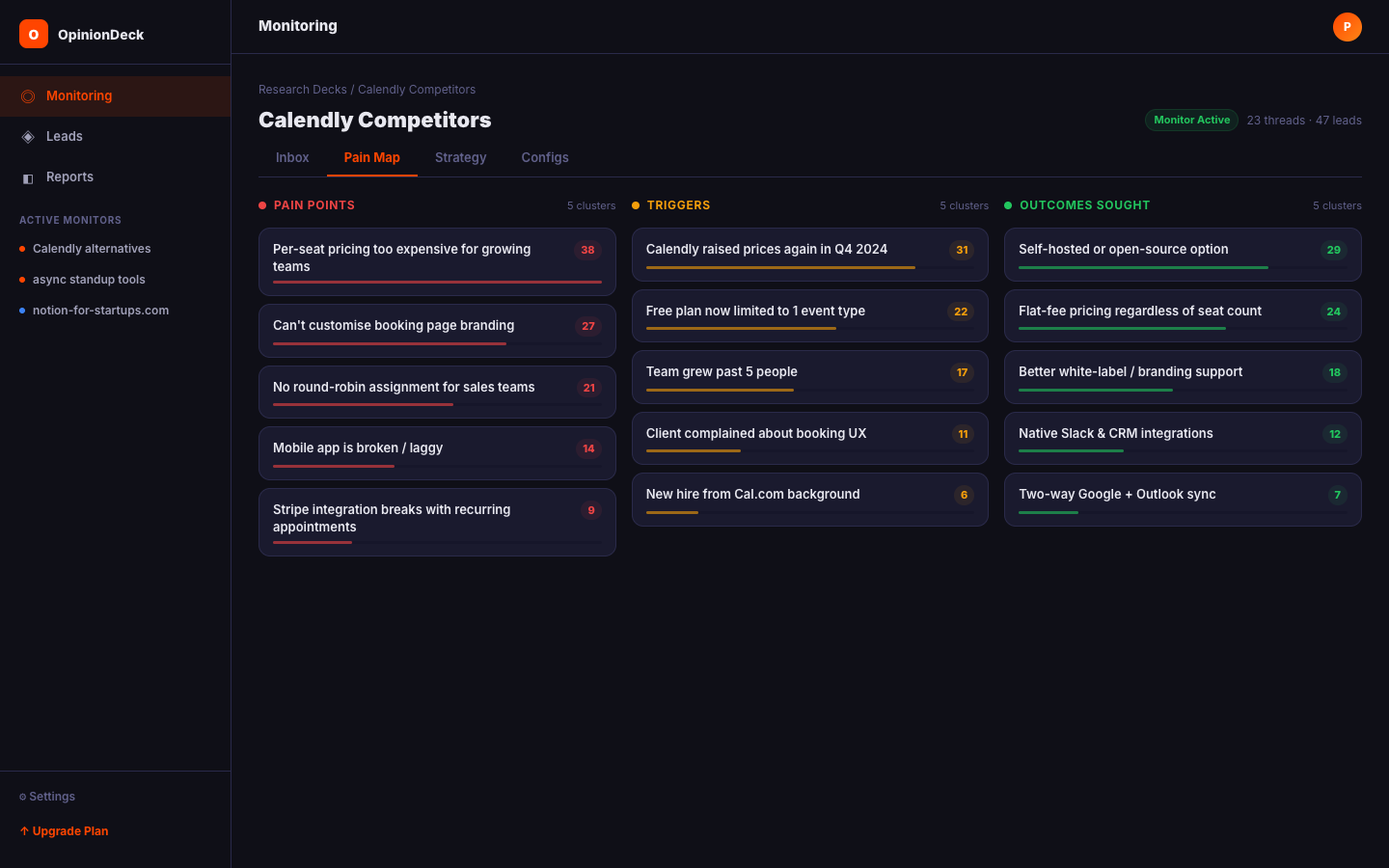
Open your Research Deck from the sidebar. Once analysis is complete (usually under a minute), you’ll see:
- Inbox — The monitoring feed and recently added threads
- Pain Map — All extracted pain points ranked by frequency
- Strategy — An AI-generated market summary with tactical recommendations
- Configs — Folder settings and monitor configuration
What’s next?
You’ve completed a basic discovery. From here:
- Set up a Monitor → — Instead of manually searching, let OpinionDeck continuously watch subreddits for new leads.
- Understand your analysis → — Learn what pain points, triggers, and outcomes mean and how to act on them.
- Install the Chrome Extension → — Capture threads directly from Reddit without leaving your browser.